
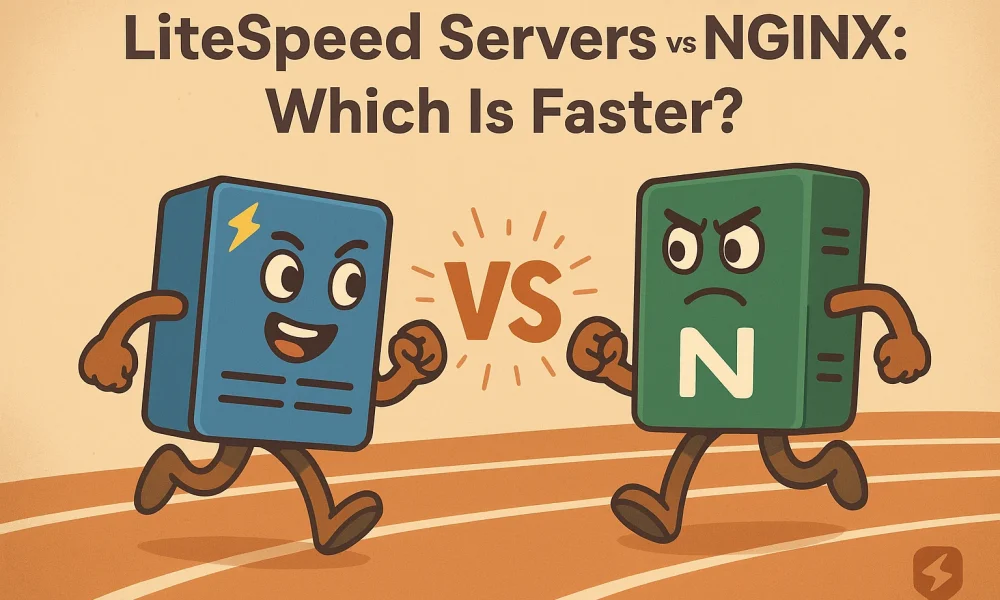

Quick Summary: For cached WordPress pages, LiteSpeed is typically faster because its server-level LSCache bypasses PHP entirely, while Nginx can match it only with careful FastCGI caching and tuning. The real differentiator is workload, cache configuration, and host quality, not just the server name. Choose LiteSpeed for most WordPress and WooCommerce sites, but pick Nginx for custom APIs, static sites, or teams that already manage Nginx. Always test real pages under load and check cache hits, TTFB, and NVMe resources before choosing a provider.
For cached WordPress pages, LiteSpeed is often faster because LSCache bypasses PHP. Nginx can match it with careful FastCGI caching and strong server acceleration. The real test is workload, cache setup, and host quality. This comparison separates server acceleration from hardware and tuning, helping you choose a provider without broad speed claims.
LiteSpeed vs Nginx: Server Acceleration at a Glance
| LiteSpeed Web Server | Nginx | |
|---|---|---|
| Cached WordPress delivery | Typically strongest when LSCache is enabled and hitting | Can be highly competitive with tuned FastCGI caching |
| Uncached PHP workloads | Strong LSAPI integration; results vary by application | PHP-FPM performance depends heavily on tuning |
| Cache configuration | Server-level LSCache with application plugins | FastCGI cache or separate cache layer required |
| Hosting management | Usually simpler for managed and shared hosting | More manual server-level configuration |
| Best fit | WordPress, WooCommerce, PHP sites, and managed hosting | APIs, static sites, reverse proxies, and custom stacks |
How LiteSpeed Web Server and Nginx Compare
LiteSpeed Web Server
LiteSpeed is a commercial, event-driven server built for PHP sites and managed hosting. Its server-level cache works closely with WordPress plugins, while Apache configuration support can ease migrations. LSCache stores dynamic pages for fast repeat delivery.
Key strengths
- Native LSCache integration
- Apache-compatible setup
Nginx
Nginx is an open-source, event-driven server for static sites, APIs, reverse proxies, and custom stacks. It suits teams comfortable tuning PHP-FPM and building FastCGI caching rules.
Key strengths
- Efficient static delivery
- Flexible reverse proxy role
Where LiteSpeed and Nginx Speed Differences Actually Appear
Cached Pages and Time to First Byte
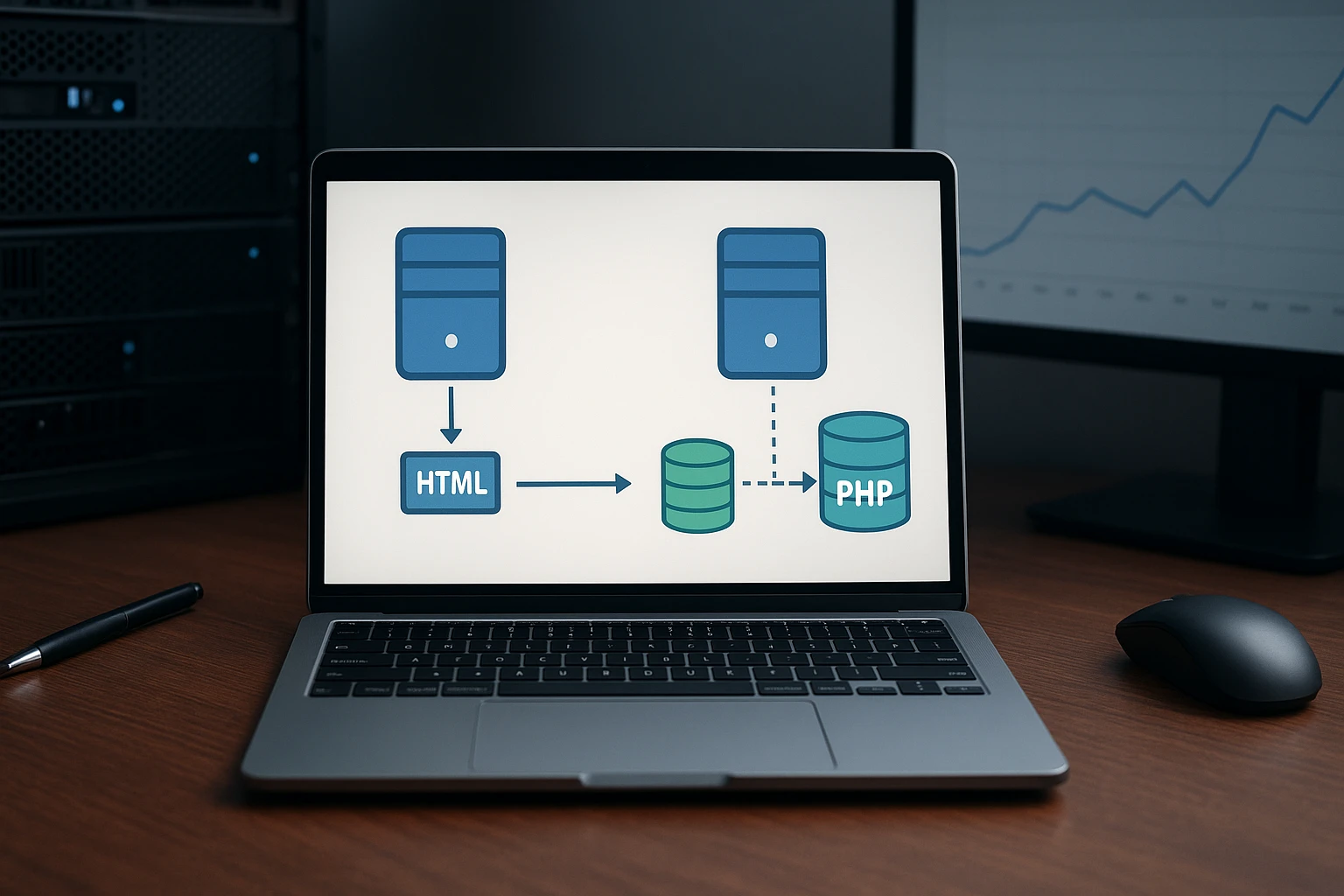
For public WordPress posts, cache setup matters more than the server name. A warm cache lets either stack return saved HTML quickly, cutting PHP and database work. LiteSpeed has an edge when its server-level cache is active. A cache hit bypasses WordPress completely, as LiteSpeed’s documentation explains.
| Request type | What drives TTFB most |
|---|---|
| Public blog post | Cache hit rate and CDN |
| First visit after purge | PHP speed and database load |
Dynamic PHP and Logged-In Requests
The gap shows up more on dashboards, carts, and member areas. These requests need fresh or user-specific data, so page caching may not apply. LiteSpeed can keep logged-in pages in a private cache by IP and session ID, if you enable the setting. Test checkout, search, and admin-like actions, not just your homepage.
A fast benchmark from an empty homepage cache tells you little about real buyer sessions.
Also Read: LiteSpeed Servers: 6 Hosting Providers to Shortlist
LiteSpeed Hosting Providers vs Nginx Hosts: What You Are Really Buying
The Provider Checklist for Reliable Server Acceleration
You are buying more than a web server. Check the provider’s stack:
- NVMe storage and enough PHP workers
- Server-level LiteSpeed Cache enabled
- Redis or object-cache support
- Clear limits for CPU, memory, and traffic
- Support that can test cache headers
LiteSpeed documentation confirms its WordPress cache needs a LiteSpeed server component.

Ask for a cache-hit test before moving a busy WordPress site.
| Check | Why it matters |
|---|---|
| Cache enabled | Avoids repeat PHP work |
| Resource limits | Prevents slowdowns under traffic |
When Nginx Hosting Is the More Appropriate Choice
Choose Nginx for a custom app, API-heavy workload, or team that manages its own cache rules.
- You need a tuned reverse proxy
- Your developers already run Nginx
- WordPress full-page caching is not the main need
Which Should You Choose: LiteSpeed or Nginx?
Choose LiteSpeed for most WordPress sites, especially WooCommerce stores, blogs, and agency sites. Its server-level cache can serve saved pages without rebuilding them in PHP, which cuts server work. LiteSpeed’s documentation explains how cache hits bypass page generation.
Choose Nginx if you run a custom API, headless WordPress, or have a team that already tunes Nginx.
| Your workload | Better fit | Why |
|---|---|---|
| WordPress or WooCommerce | LiteSpeed | Easier full-page caching |
| Static site or API | Nginx | Flexible, lean setup |
| Apache migration | LiteSpeed | Supports .htaccess rules |
- Test real pages under load.
- Check cache hits and TTFB.
- Compare the host’s CPU, NVMe storage, and support.
A fast server cannot fix poor cache rules or weak hosting resources.
Choose Talos Hosting for LiteSpeed, NVMe speed, US data centers, and lifetime hosting with no renewal fees.
Frequently Asked Questions
Q1: Compare leading LiteSpeed hosting providers?
Compare server limits, NVMe storage, support, data-center location, and LiteSpeed Cache access. Talos Hosting fits US-based sites that want LiteSpeed performance with a lifetime-plan option.
Q2: Is LiteSpeed always faster than Nginx?
No. LiteSpeed often wins for WordPress with LiteSpeed Cache. Nginx can perform very well with careful caching, tuning, and a strong host.
Q3: Can I switch from Nginx to LiteSpeed safely?
Usually, yes. Test your site first, back up files and databases, then check caching rules, redirects, forms, and logged-in pages after the move.
Conclusion
LiteSpeed often wins for WordPress when LSCache is configured well. Nginx remains strong for tuned custom stacks. Compare cache hits, PHP speed, NVMe resources, and provider support – not server labels alone.
How LiteSpeed Servers Improve WordPress Speed
LiteSpeed Servers: 6 Hosting Providers to Shortlist



No Comment! Be the first one.