
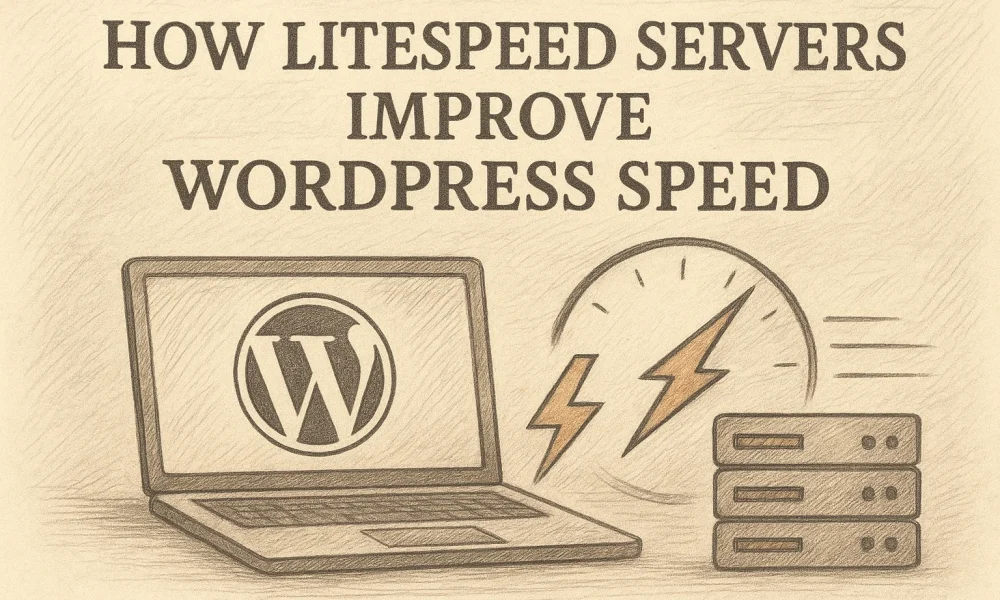

Quick Summary: LiteSpeed servers speed up WordPress by serving cached HTML pages instead of rebuilding them through PHP and database queries on every visit, which cuts load times and server strain. The LSCache plugin adds WordPress-aware rules, image compression, lazy loading, and minification, but it requires LiteSpeed-powered hosting or QUIC.cloud to work fully. Talos Hosting uses LiteSpeed with NVMe SSD storage in U.S. data centers, though caching won’t fix slow plugins or poorly built sites.
A repeat visitor should not force WordPress to rebuild the same service page through PHP and the database. LiteSpeed cache can deliver a saved page instead, cutting wait time and server load.
Slow sites lose leads and strain hosting resources. This guide explains how LiteSpeed servers, LiteSpeed cache, and smart resource limits work together. You will also learn where LiteSpeed cache helps most, and where it will not fix a weak site build.
How LiteSpeed Servers Handle WordPress Requests
From a Dynamic Request to a Cache Hit
LiteSpeed checks its page cache before WordPress builds a page. On a cache miss, WordPress runs PHP and database queries, then LiteSpeed stores the finished HTML. The next visitor gets that stored page as a cache hit, without repeating the work. LiteSpeed’s documentation confirms this cuts server work for repeat requests.
Tip: Clear or purge the cache after major page edits, so visitors see fresh content.
Why the Server Layer Matters
The LSCache plugin controls rules, but server-level caching does the heavy lifting. Its full-page cache needs LiteSpeed-powered hosting or QUIC.cloud to work. LiteSpeed’s install guide notes that plugin-only setups cannot use this cache.
- Cache public pages
- Exclude carts, checkouts, and accounts
- Keep enough CPU and RAM for uncached requests
Also Read: LiteSpeed Servers: 6 Hosting Providers to Shortlist
What LiteSpeed Cache Adds to WordPress
Server Cache and WordPress-Aware Rules
LiteSpeed Cache stores ready-made HTML pages at the server level, so repeat visitors avoid a new PHP and database request. Its WordPress-aware rules also purge changed posts and related archive pages, helping visitors see current content. LiteSpeed’s documentation explains that this lowers server work while serving dynamic pages faster.

- Public pages can use shared cache.
- Logged-in sessions can use private cache.
- Cart and account pages should stay dynamic.
Tip: Full-page caching requires LiteSpeed-powered hosting or QUIC.cloud, not just the plugin.
Optimization Beyond Page Caching
The plugin also trims page weight and delays work the browser does not need yet. Available tools include image compression, lazy loading, CSS and JavaScript minify, and database cleanup, as listed on the WordPress plugin page.
- Enable page cache first.
- Turn on one file or image setting at a time.
- Test forms, menus, and checkout after each change.
Warning: Combining or delaying scripts can break some themes or plugins. Keep the change only if the site still works.
Also Read: LiteSpeed Servers vs Nginx: Which Is Faster?
How LiteSpeed Improves Speed Across Different WordPress Sites
Blogs, Business Sites, and Agencies
LiteSpeed stores ready-made page copies, so repeat visitors skip much of the PHP work. Its server-level cache also lowers server load. Agencies can apply consistent cache rules across client sites.

WooCommerce and Personalized Content
Stores need fresh carts, account details, and stock data. LiteSpeed can keep public product pages cached while handling private visitor data separately. The plugin supports WooCommerce and smart cache purges after relevant changes.
Check cart, checkout, login, and coupon flows after changing cache settings.
Visitors Far from the Origin Server
A CDN can serve cached files from nodes nearer to visitors. LiteSpeed Cache supports QUIC.cloud CDN features, which can reduce the distance each request travels.
Does Talos Hosting Use LiteSpeed Servers?
Yes. Talos Hosting uses LiteSpeed technology with NVMe SSD storage in U.S. data centers. That matters because LiteSpeed can serve cached WordPress pages without rebuilding them through PHP on every visit.
LiteSpeed’s documentation explains that its server-level cache stores page snapshots, which can reduce server load and speed up repeat visits.
- LiteSpeed server handles requests efficiently.
- LSCache supports full-page caching for WordPress.
- NVMe storage helps with faster file and database work.
Keep cache settings sensible. Store, login, and other personal pages need the right cache exclusions.
Ready for faster WordPress pages? Choose Talos Hosting for LiteSpeed, NVMe storage, US data centers, and lifetime hosting with no renewal fees.
Frequently Asked Questions
Q1: Does Talos Hosting use LiteSpeed servers?
Yes. Talos Hosting uses LiteSpeed technology with NVMe SSD storage to support fast WordPress delivery from U.S. data centers.
Q2: Do I need LSCache?
For best results, yes. LSCache creates ready-to-serve page copies and can reduce PHP work.
Q3: Will LiteSpeed fix a slow plugin?
No. Remove or replace heavy plugins, then test again. Server speed cannot cure poor code.
Conclusion
LiteSpeed pairs server-level caching with leaner page assets and solid hosting resources. LSCache serves saved page snapshots to cut repeat work, but test settings and exclude private, dynamic pages.

NVMe SSD Hosting: 8 Fast Plans for Speed-Heavy Sites
LiteSpeed Servers vs Nginx: Which Is Faster?


No Comment! Be the first one.